The Language Lab Alternative Already Sitting in Your LMS
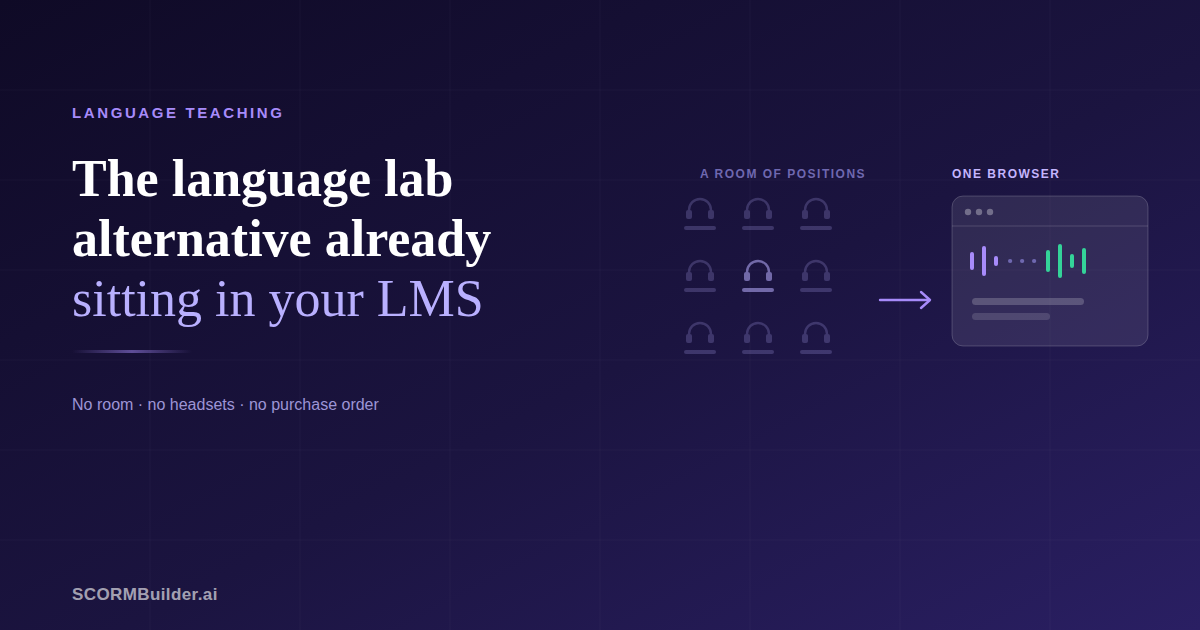
Ask a language teacher what they would fix about their programme and you will usually get the same answer twice. Students do not speak enough. And the thing that would fix it — a language lab — is not going to be approved.
That second half is worth examining, because the conversation has moved on more than most teachers realise.
What a language lab actually does
Strip away the hardware and a lab does four distinct things.
It gives every student a microphone at once. In a class of thirty, individual speaking time is measured in seconds per student per lesson. A lab makes it minutes, simultaneously.
It lets the teacher listen in. You move between students while they work, hear where the pronunciation is going wrong, and intervene.
It collects the recordings. Everything the class produced arrives in one place for marking and comparison over time.
It runs controlled assessment. Everyone speaks at once, under supervision, on the same task.
Those are genuinely different capabilities, and they are usually bought as one thing. That is the part worth questioning — because only two of the four require everyone to be in a room together.
The part that survives outside the lab
Individual speaking practice does not need a teacher present. A student can hear a model, record themselves, compare the two, and try again, alone, at ten o’clock at night.
That is the bulk of the practice hours in any speaking programme, and it is the part that is most often missing — not because it is hard, but because it was bundled into a product the department could not afford.
And it can be delivered through the LMS you already have. A SCORM package can play a model recording, open the microphone, capture the student’s voice, compare what they said against what was expected, and report a score to the gradebook. It is the same delivery mechanism as every other course in your Moodle or Canvas instance.
The finding that complicates the argument
Here the research is more interesting than the marketing.
A study in the Journal of English Language Pedagogy and Practice compared two groups of intermediate learners — one practising speaking in an asynchronous online environment, one doing the same tasks face to face in class.
The asynchronous group improved significantly more in monologue speaking ability. They also scored better on speaking self-confidence, reported lower speaking apprehension, and showed greater willingness to communicate. The researchers put it down to the asynchronous condition being less threatening.
That is not the result you would expect if asynchronous practice were simply a cheaper compromise.
And it matches what most teachers already observe. The student who freezes when called on will record themselves four times in private and submit the fourth. Removing the audience removes the anxiety that was suppressing the performance.
None of which means interaction does not matter. It means the quiet, repetitive, unobserved practice — the part a lab was often bought to enable — may be doing more work than we credit it for, and it is precisely the part that transfers out of the lab most easily.
What does not transfer
Being honest about this is what makes the rest credible.
You cannot listen in. There is no live session. A student working through a speaking activity is alone with it.
Recordings do not come back to you automatically. A SCORM package reports scores and completion; it has nowhere to store audio. Students can download what they recorded and send it to you, or submit it to an assignment, but you are relying on them to do it.
You cannot run a supervised speaking exam. Anything that depends on knowing who is at the keyboard and when is outside what SCORM can guarantee.
Live pair work is impossible. Two students talking to each other needs a server between them.
If your teaching depends on those four, you need a lab, and no amount of clever authoring will substitute. What follows is for everyone else.
What speaking practice through an LMS looks like in practice
Five exercise types cover most of what a speaking programme needs.
Listen and repeat with recording. A model plays, the student repeats, and both can be played back for comparison. The oldest exercise in language teaching and still the most useful. Speech recognition can score how much came through clearly.
Recording into gaps. A recording plays and pauses at set points for the student to speak into the silence, then plays back as one continuous take — model, their voice, model. This is the classic lab exercise, and it covers shadowing, listen-and-respond drills, and consecutive interpreting practice with the same mechanic.
Spoken dialogue. The course speaks a line, the student answers aloud, and it continues back and forth. Whether the student sees the target phrase can change as the dialogue progresses, so it opens as reading aloud and closes as production.
Read-aloud assessment. A passage, a model, and a score for how much of it was recognised. Useful precisely because you cannot sit with thirty students individually.
Vocabulary work around all of it. Flashcards, gap-fill, matching, word games — less glamorous, and where a lot of the actual learning happens.
How the scoring works, and what it is not
Browser speech recognition compares what the student said against what was expected and reports how many words came through.
Treat it as a practice aid, not an accent measure. It is not assessing intonation, stress or naturalness, and it should not be strict. A system that fails a native speaker for not matching a model’s rhythm exactly will fail your students constantly, and they will stop trying.
The useful output is not the percentage. It is the student hearing their own recording next to the model, which is the comparison that teaches.
What it costs
Dedicated lab systems are almost always quote-based, which generally indicates institutional pricing and a procurement process.
Cloud language-teaching platforms typically start at a minimum number of concurrent users on an annual commitment. Better than hardware, still a purchase order.
Authoring activities into your existing LMS removes the licence entirely. You pay for the authoring tool — which can be a few hundred dollars a year — and deliver through infrastructure your institution already maintains. No per-student cost, because the LMS seat already exists.
That difference is not marginal. It is often the difference between a programme that happens and one that does not.
Where to start
If this is worth trying, do not build a term’s worth of material to find out.
Pick one speaking task you already assign and rebuild it as an activity in your LMS. A dialogue, a passage to read aloud, a pronunciation set — something you already know works on paper.
Give it to one class and watch two things: whether they complete it without help, and whether the students who never speak in class produce anything.
Then look at the recordings any of them send you. That is where you will see whether the practice is real.
If it works, you have a speaking programme running on infrastructure you already pay for. If it does not, you have lost an afternoon and learned something specific about your students that a sales demo would never have told you.
See the Language Lab activities — eleven speaking, listening and vocabulary blocks that export as SCORM.
Frequently Asked Questions
What is a language lab alternative?
Any way of giving students individual speaking and listening practice without a dedicated room of networked machines. In practice that means one of three things: a cloud platform built for language teaching, a general speaking-practice app, or activities delivered through the LMS your institution already runs. The third is the cheapest by a wide margin and the least discussed, because nobody sells it as a product.
Can you do speaking practice through an LMS?
Yes, and more of it than most teachers realise. A SCORM package can play a model recording, capture the student's voice through the browser microphone, compare what they said against expected words, and report a score to the LMS gradebook. What it cannot do is collect the audio centrally or let you listen in live — a SCORM package has no server of its own.
Is asynchronous speaking practice as good as live practice?
For some things it appears to be better. A study in the Journal of English Language Pedagogy and Practice compared asynchronous computer-mediated speaking practice with face-to-face and found the computer-mediated group improved more in monologue speaking ability, with better results for speaking confidence, lower apprehension and greater willingness to communicate. The researchers attributed it to the asynchronous setting being less threatening. It is not a replacement for interaction, but it is not a poor substitute either.
How much does a language lab cost?
Dedicated systems are almost always quote-based rather than published, which usually indicates institutional pricing. Cloud platforms built for language teaching typically start with a minimum number of concurrent users and an annual commitment. Delivering activities through an LMS you already own removes the licence entirely — you pay only for the authoring tool, which can be under $400 a year.
What can a language lab do that an LMS cannot?
Everything that depends on a teacher being present. Listening in while a student speaks, pairing students for live discussion, collecting every recording centrally, running a speaking exam with the whole class under supervision, giving immediate spoken feedback. Those need a live session and a server, and neither exists inside a SCORM package. If your teaching depends on them, buy a lab.
Do students need to install anything?
No. Speaking activities delivered as SCORM run in the browser like any other course in the LMS. Students need a microphone and to allow access to it. Automatic speech checking currently needs Chrome or Edge; in other browsers students can still record and compare themselves against the model, which is the part that does the teaching.